
How to Back Up Music Projects Before a Drive Failure Erases Your Work
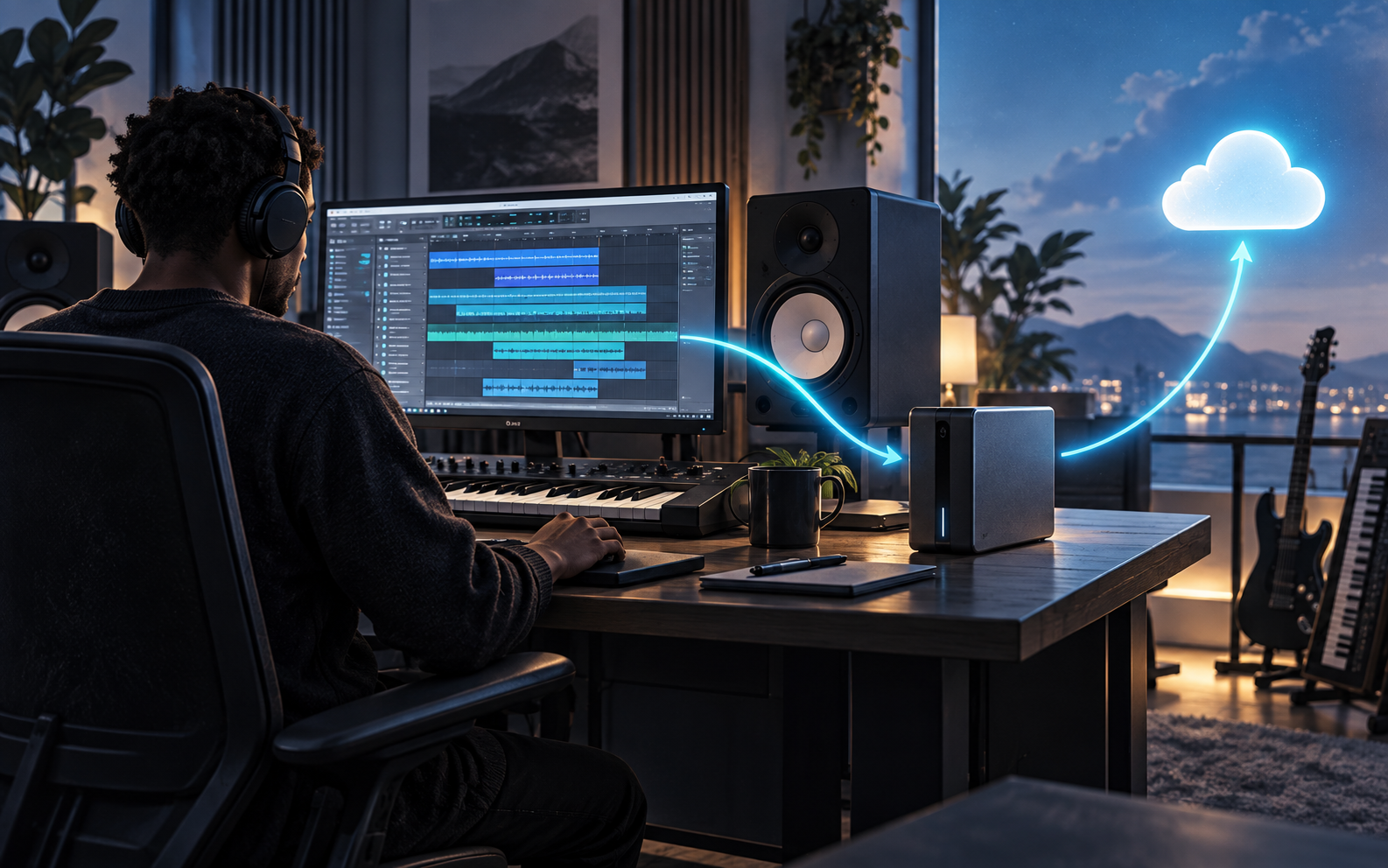
A damaged drive does not care how inspired the session was. It cannot distinguish a disposable demo from the vocal take that finally captured the song. When a music project exists in only one place, the entire creative process is balanced on a single mechanical, electronic or human failure.
Autosave helps, but it is not a backup strategy. Cloud synchronization is convenient, but it can copy accidental deletion or file corruption across connected devices. A duplicate folder on the same drive is merely another passenger on the same sinking ship.
A resilient studio workflow combines complete project packaging, version control, multiple storage locations and regular recovery tests. The goal is not to hoard every file forever. It is to make sure a recoverable version survives when one system fails.
Start With the 3-2-1 Backup Rule
The Cybersecurity and Infrastructure Security Agency describes the 3-2-1 rule as keeping three copies of important files, using two different types of storage media, with one copy stored off-site. For a musician, that could mean the working session on an internal SSD, a local backup on an external drive and an encrypted copy in cloud storage or at another physical location.
The logic is redundancy without shared failure. If the computer dies, the external copy remains. If the studio is damaged or burgled, the off-site copy remains. If a cloud account becomes inaccessible, the local copies remain.
Three folders on one laptop do not satisfy the principle. Neither do two drives permanently attached to the same computer if malware, an electrical event or accidental deletion can affect both.
Consolidate Every Session Before You Copy It
A project file may point to audio stored elsewhere: a sample folder, an external recording drive, a desktop download or a collaborator’s temporary directory. Copying only the session document can create a beautiful shell that opens with half the performance missing.
Apple’s official Logic Pro backup guidance tells users to consolidate project assets so the audio files and related content live together before backing up the project. The principle applies across digital audio workstations even when the menu name differs.
Before archiving, collect all audio into the session, save sampler material where licensing permits, and confirm that edited or tuned vocals are included. Then close the project, disconnect unavailable source drives if practical, and reopen the copy. If it plays correctly without searching for files, the archive is far more credible.
Use Versions That Explain Themselves
Names such as final, final2 and final_REAL are a slow-motion administrative catastrophe. Use a predictable structure with the date, song title and stage of work. For example: 2026-09-07_night-drive_vocal-edit_03.
Create milestone versions before consequential changes: comping vocals, replacing drums, committing tuning, printing stems, updating software or sending the session to another engineer. Apple notes that Logic Pro can retain project alternatives and saved backups, while Avid recommends using Pro Tools’ Save Copy In command when creating session copies.
Version history inside a DAW is useful, but it still resides within the broader storage system. Treat it as one recovery layer, not the entire architecture.
Back Up More Than the DAW Session
A release cannot be reconstructed from the multitrack alone. Preserve the final mix, instrumental, clean edit, performance track, acapella, approved master, artwork, credits, split documentation, contracts and delivery metadata.
Export consolidated stems from a common starting point so a future engineer can rebuild the arrangement even if a plug-in disappears. Include dry and processed versions of critical vocals when appropriate. Save MIDI and rendered audio for important virtual instruments. Keep a text document listing the DAW version, sample rate, tempo, key and essential plug-ins.
Uranium Waves’ Music Release Planner can help connect these technical assets to the broader delivery timeline. Before archiving the approved master, use the Master Loudness Checker to document the file’s technical state.
Separate Working Storage From Backup Storage
An external SSD used for daily sessions is working storage, not automatically a backup. If it holds the only copy, it remains a single point of failure. A backup device should receive controlled copies and, where practical, spend part of its life disconnected.
Avid’s Pro Tools upgrade guidance recommends saving session copies in at least three locations, including local, external and cloud storage. It also advises against upgrading Pro Tools or the operating system in the middle of a project and emphasizes backing up before software changes.
Choose storage according to the workload. Fast SSDs are excellent for active sessions. Larger hard drives can be economical for local archives. Cloud storage adds geographic separation, but upload time, recurring cost, account security and download speed must be considered.
Automate the Routine, Then Test Recovery
Manual backups fail when the artist is tired, busy or convinced that tomorrow will be quieter. Use scheduled system backups for broad coverage, then add deliberate project snapshots at milestones. Keep a simple log showing the last local backup, last off-site backup and last successful recovery test.
Testing matters because a green synchronization icon proves only that a process reported success. Open a random archived session every month. Confirm that audio plays, files are present and the copy is not corrupted. Periodically restore one project to a different location rather than trusting the original folder.
Encryption and account security deserve equal attention. Use strong unique passwords, multifactor authentication for cloud accounts and encryption for portable drives containing unreleased music or client sessions. A backup that exposes confidential work creates a different kind of disaster.
Decide What to Keep Forever
Not every bounce needs permanent preservation. Keep raw recordings, final edited takes, consolidated sessions, stems, masters and essential release documents. Temporary renders, duplicate downloads and replaceable cache files can follow a shorter retention policy.
For client work, put retention terms in the service agreement. State how long sessions will be stored, which deliverables the client receives and whether reopening an archived project carries a fee. Uranium Waves’ mixing and mastering service can support artists who need professional final deliverables, but artists should still maintain their own copies.
Final Takeaway
The best backup system is intentionally boring. It runs consistently, produces complete copies and proves itself through recovery tests. Consolidate the session, follow the 3-2-1 rule, preserve milestones, archive the assets surrounding the release and test that the files actually open. A drive failure should interrupt the day—not erase the song.
Enjoyed the read? Consider showing your support by leaving a tip for the writer
Featured









Follow Us

Shop














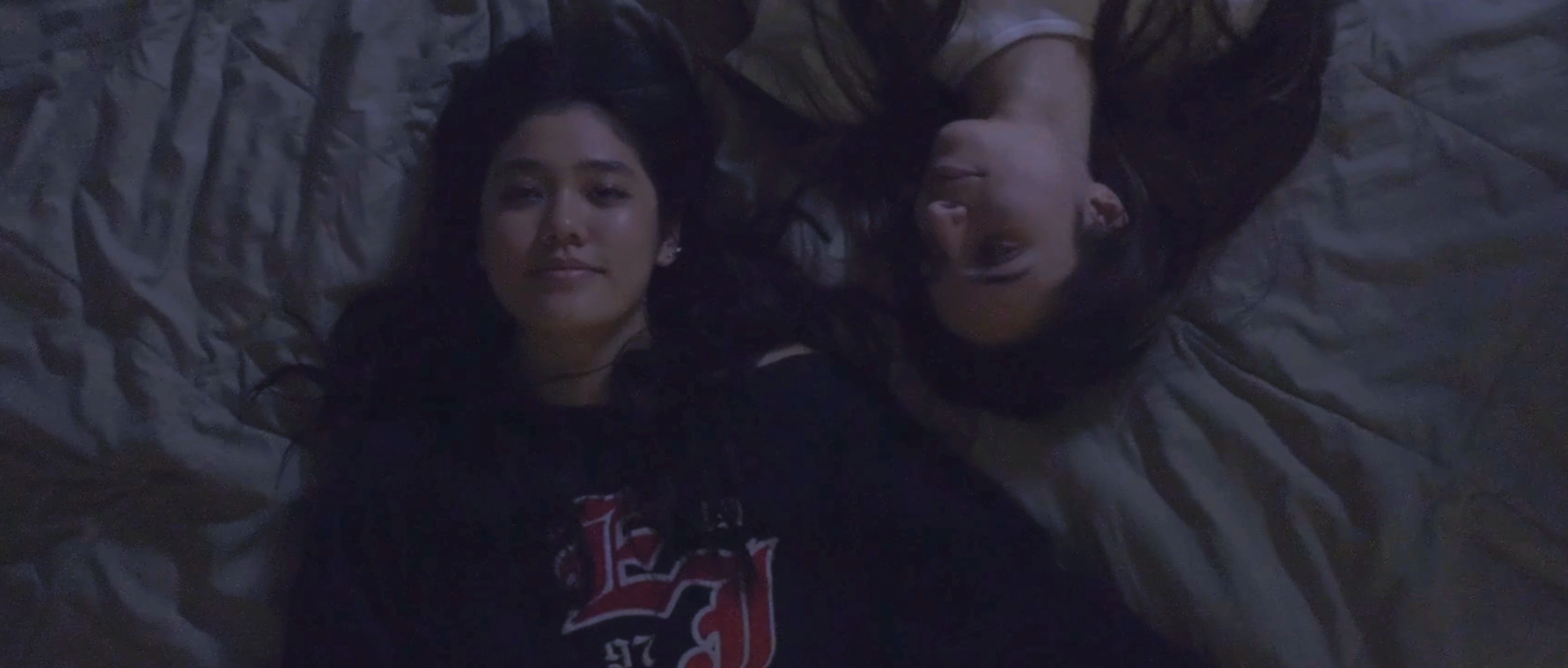


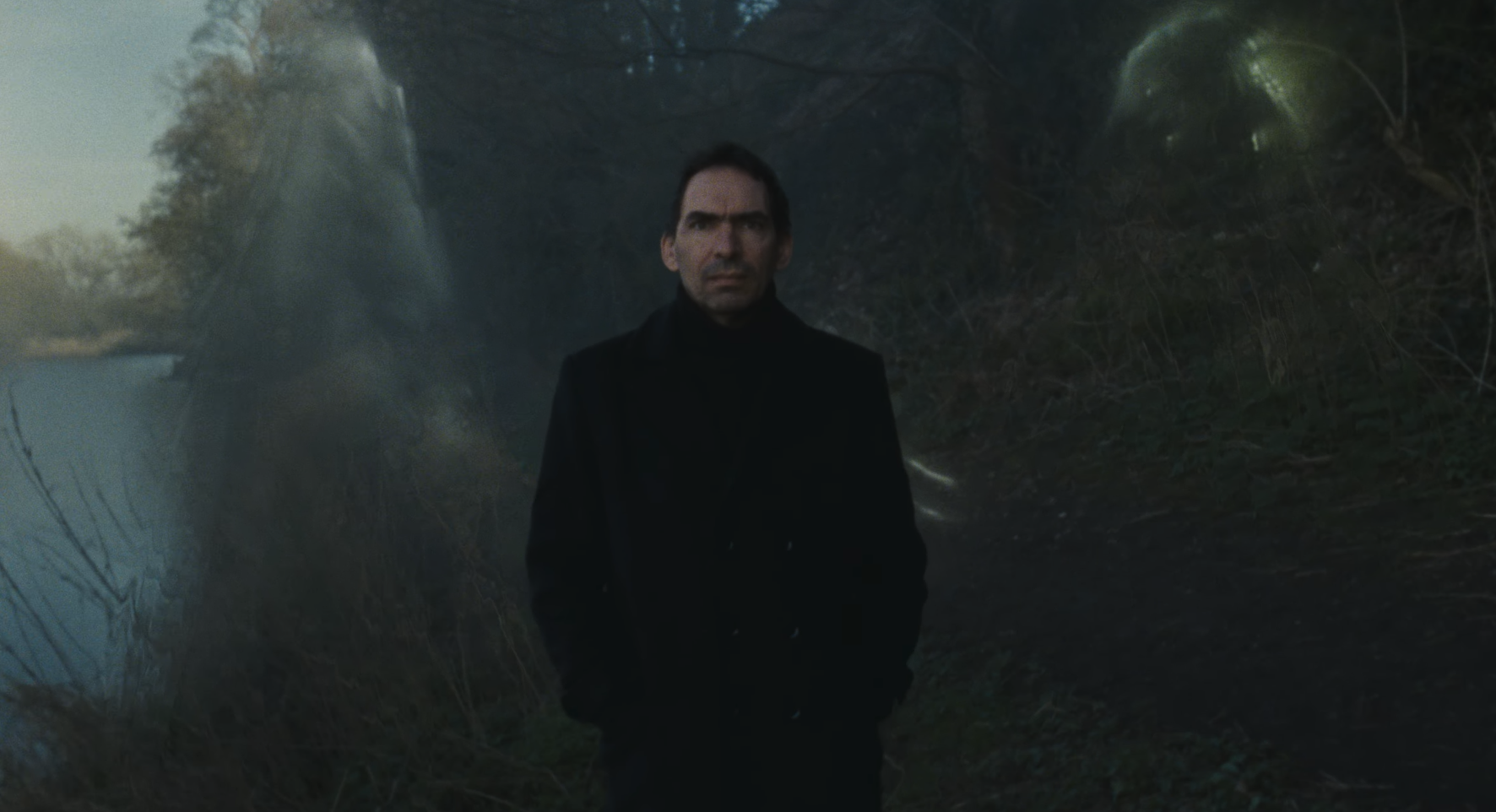




Some attractions arrive like a fever: quiet at first, then suddenly impossible to ignore. Greek-born, Brooklyn-based artist OXFLOYD captures that escalation on “obsessed w u,” an alt-pop single shaped around limerence, romantic fixation, and the dangerous appeal of willingly overlooking every warning sign…